Sophos Help
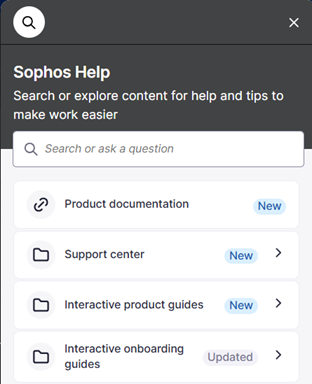
Sophos Help is a feature integrated with Sophos Fusion and other Sophos products that helps you complete your tasks and find information quickly.
Read on to learn how Sophos Help can help you.
How to open Sophos Help
To open Sophos Help, click the Help icon  in the taskbar.
Search
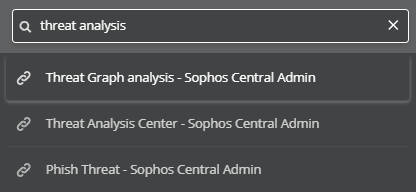
Click inside the search bar and enter a search term to find content containing that term.

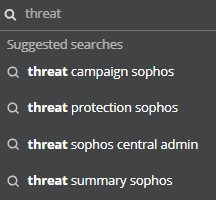
When you start typing, Sophos Help suggests search terms you might want to use.
Do one of the following:
- Click a suggestion to search for that term.
- Continue typing your own term, then press Enter.
Click an entry in the search results to open it.
Help resources
Note
If you don't see the available help resources when you open Sophos Help, clear the search bar and click an empty spot in Sophos Help.
Sophos Help provides different types of help resources.
| Symbol | Resource type |
|---|---|
 | An interactive guide. See Interactive guides. |
 | A link to a help page. |
 | A video. |
 | An article. Articles provide concise information about a subject. |
 | A collection. Collections organize related help resources, for example, resources for the same audience or subject. |
Interactive guides
An interactive guide is a sequence of steps highlighting areas of the Sophos Fusion screen and providing information about how to complete a task.
There are two types of interactive guides:
- Guides that demonstrate a task without performing actions. At the end of the guide, you know how to complete the task.
- Guides that go through a task and let you select options or enter input. At the end of the guide, you've completed the task.
In each step, the interactive guide focuses on an area of the Sophos Fusion screen and shows information about the step.
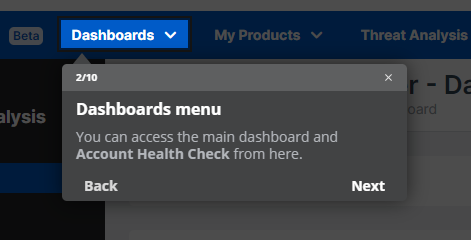
You can interact with a guide as follows:
-
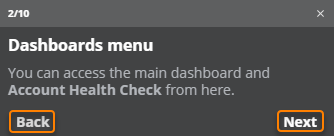
Click Back or Next to go through the steps of the interactive guide.
-
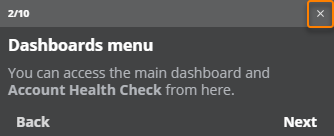
Click the X in a step's title bar to cancel the guide.
Tip
If you lose your place in a guide, you can close it anytime and restart it from Sophos Help.
Feedback welcome
We'd like to hear about your experience with Sophos Help. It only takes a few seconds but helps us make your Sophos experience more efficient.
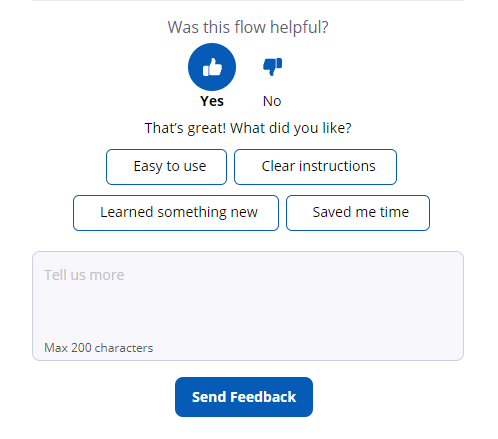
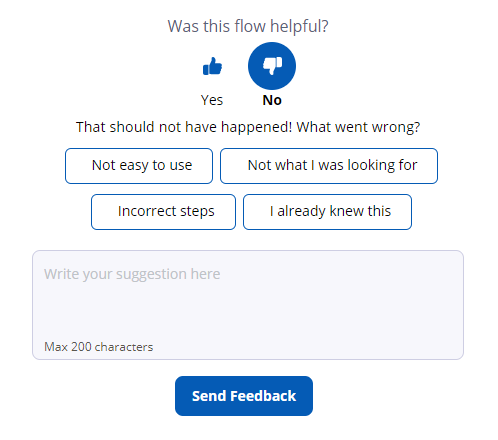
At the end of every guide, there's a simple feedback form by which you can tell us what you liked or didn't like.
- Just click the Thumbs up or Thumbs down button and then Send Feedback.
- Optionally, select one of the preconfigured answers or enter your suggestions in the text box before sending your feedback.