Use "Ask AI" options
An Ask AI button is available in many Sophos Fusion pages and in responses from the AI assistant.
In each case, Ask AI fetches context from a page or section so that you can investigate it in the AI assistant or use it in your next prompt.
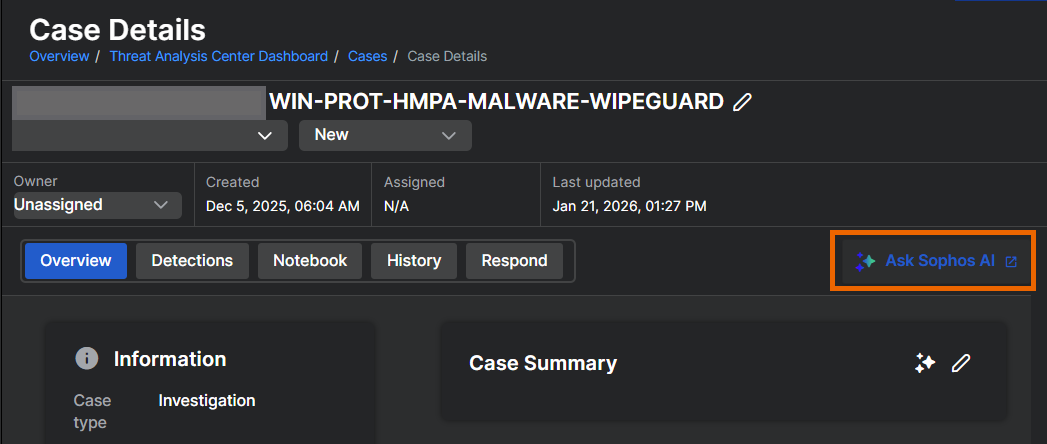
Open the AI assistant from a threat case
You can use Ask AI to load details of a threat case directly into the AI assistant.
- Go to Threat Analysis Center > Cases.
- Click a case's ID to open its details.
-
Click Ask Sophos AI in the upper right of the details page.
The AI Security Analyst assistant opens with that case's details loaded.
Get data from query results
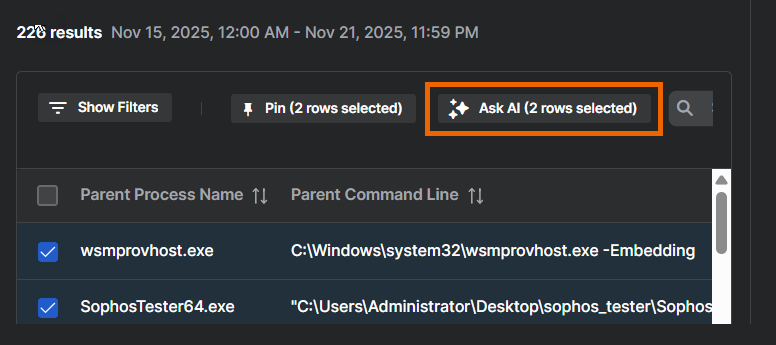
When the AI assistant shows query results, you can select items in the results table and click Ask AI.
In the example shown below, the assistant will fetch the two selected process names as context to be used in a follow-up chat. The Ask AI button's label changes to shows details of the data it’s fetching.