Global Settings
The Global Settings page lets you manage your Sophos Fusion platform, product, and service settings.
These settings apply to all your users and devices, unless you set exclusions. If you want to apply different settings to different groups of users, you can use policies instead. See Policies.
How to access Global Settings
You can access Global Settings in either of these ways:
- Use the shortcut.
- Use your product's Settings link.
Use the shortcut
To access Global Settings, do as follows:
-
Click the Global Settings icon in the upper right of the page.

-
On the Global Settings page, find the settings you want in the left menu.
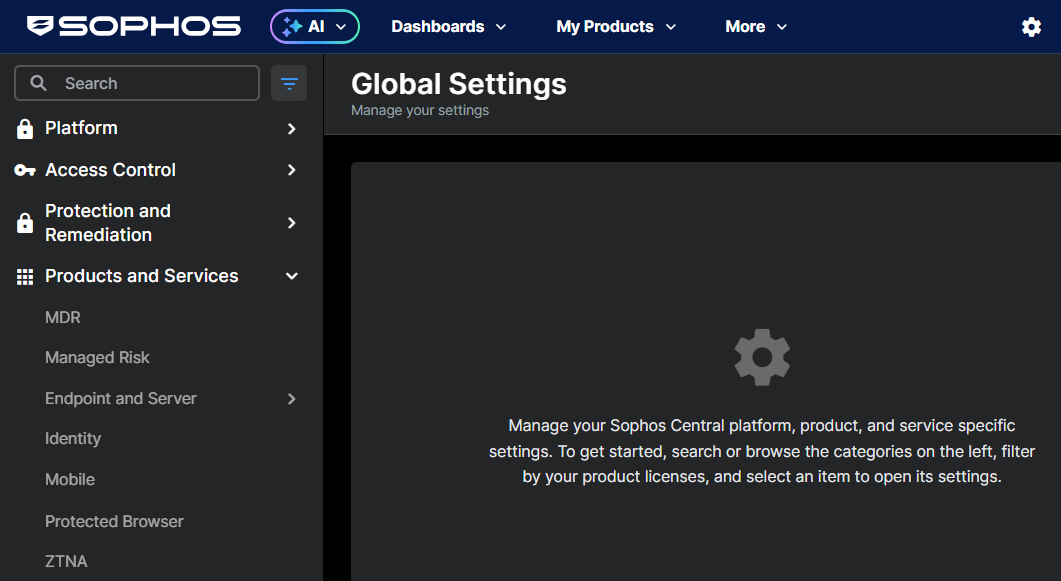
-
(Optional) Click the Filter icon
 next to the Search box to focus on settings for specific products or services. See Filter settings by product.
Alternatively, you can find commonly accessed settings under Popular settings.
If you've used Global Settings before, you can quickly find settings you've recently accessed under Recently visited.
Use your product's Settings link
To access Global Settings from your product, do as follows:
-
Go to My Products.
-
Select your product, for example Endpoint, and click Settings.
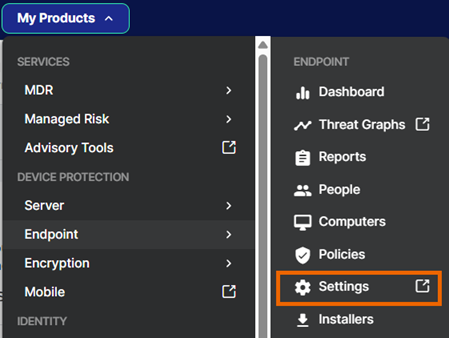
-
The Global Settings page opens with the filter for that product already applied. Find the settings you want in the left menu.
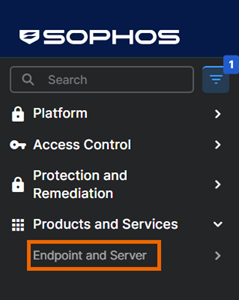
To see other options, click the Filter icon next to the Search box and select different products, or click Reset.
Turn product tags off
By default, the Global Settings left menu shows tags that indicate which products a setting or group of settings is relevant for.
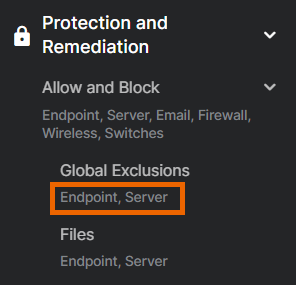
If you're already familiar with our products and prefer to turn the tags off, do as follows:
- Click the three dots icon
 at the top of the left menu.
 -
Turn off Show product tags.
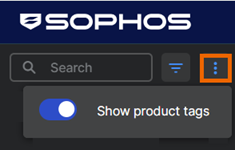
You can turn tags back on at any time.
Filter settings by product
To focus on settings for specific products or services, do as follows:
- Click the Filter icon next to the Search box.
-
Select products and click Apply.
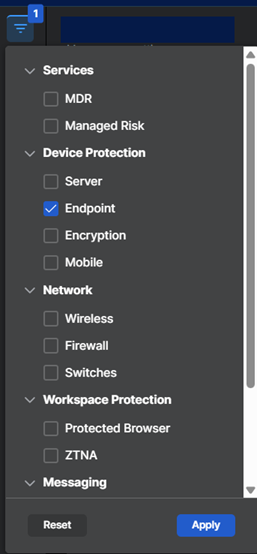
To clear the filters, click Reset.
Search for a setting
To search for a setting, enter a term in the Search box.
The left menu is automatically filtered to show only matching pages.
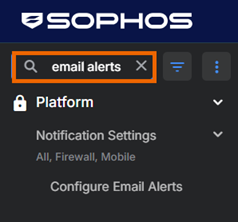
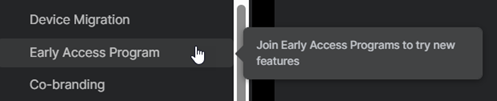
See what a page is for
To see what a page or section is for, hover over its name.
What's available in Global Settings?
Here's an overview of the settings available in Global Settings.
-
Platform
Sync users with directory services, configure notifications, and join EAPs.
-
Access Control
Control how admins and users access Sophos Fusion features and what API users can do.
-
Protection and Remediation
Allow or block apps, files, emails, and IPs, isolate devices, and avoid data loss
-
Products and Services
Configure settings for Sophos security products and managed services.