Request a backup
Take a configuration backup from a selected switch.
To take a backup, do as follows:
- Sign in to Sophos Fusion.
- Go to My Products > Switches > Backup.
- Click the name of the switch you want to back up.
-
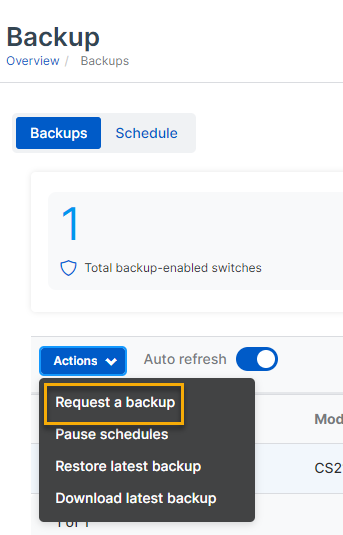
Click Request a backup.
-
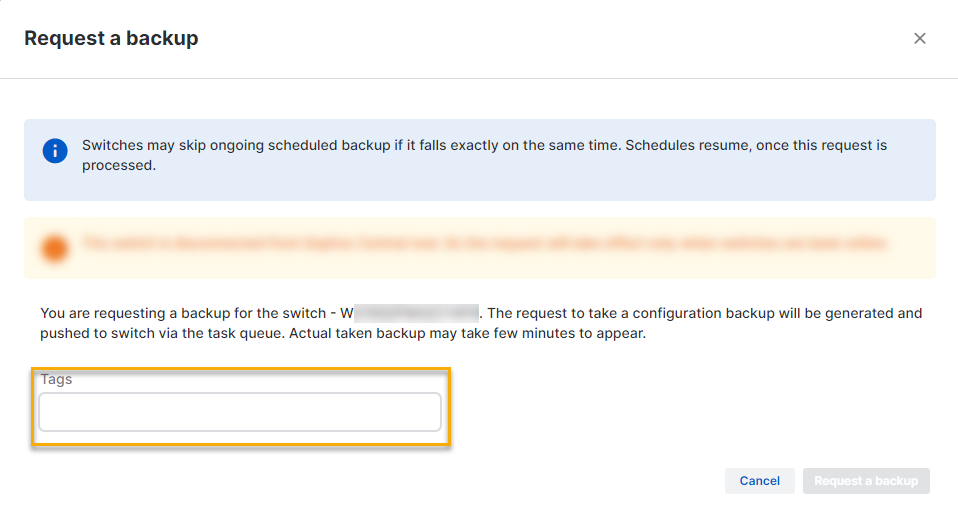
Enter a tag in the Tag box.
-
Click Request a backup.
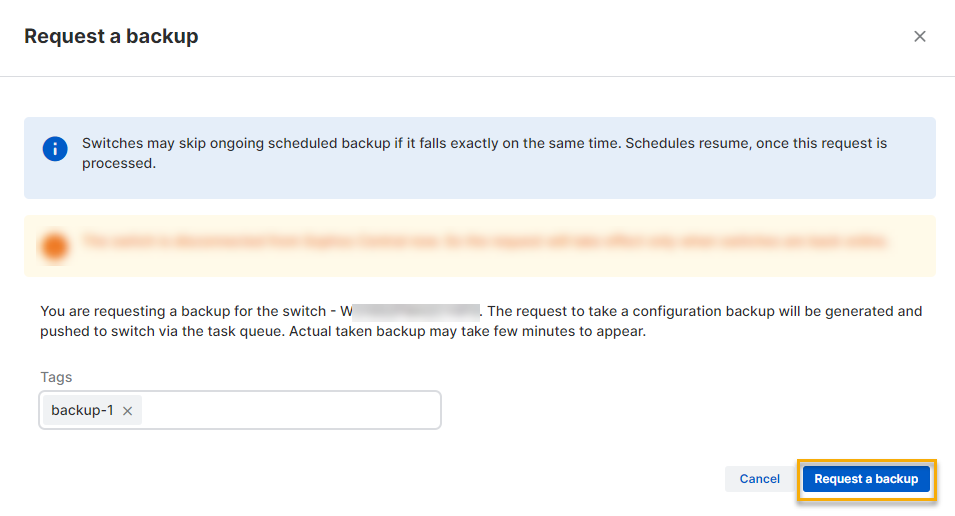
A task is created and sent to the switch. When the task is complete, the configuration backup is sent to Sophos Fusion.