MDR telemetry settings
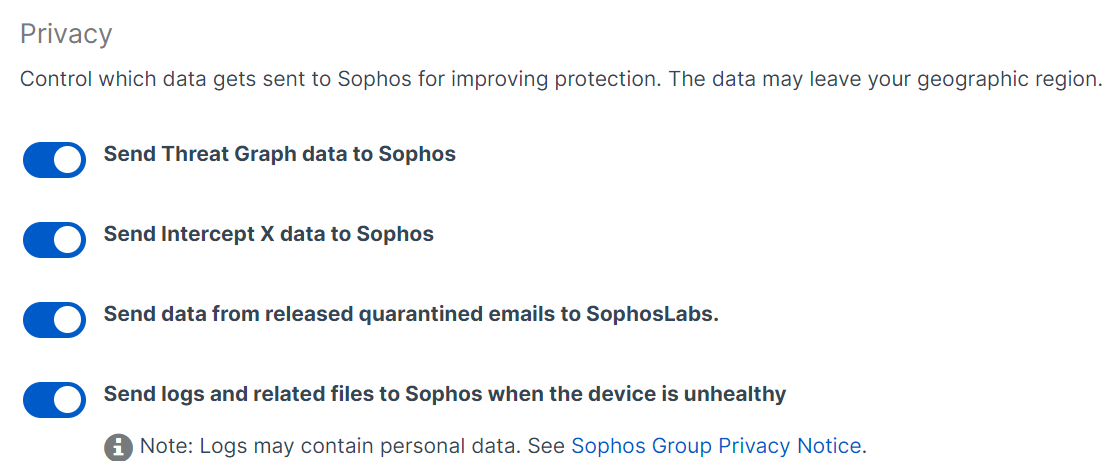
These are our recommended settings for sending telemetry data. Sending telemetry data helps us improve your protection.
How to send telemetry data
To send telemetry data to us, do as follows:
- Click your Profile icon
 , then click Account preferences.
 -
Under Privacy, turn all the settings on, then in the upper-right of the page, click Save.