Turn off Sophos Chrome Security automatic enrollment
You can turn off automatic enrollment of Sophos Chrome Security with Sophos Mobile by revoking the connection code.
Note
Revoking the connection code doesn't affect ChromeOS devices on which Sophos Chrome Security is already enrolled.
To revoke the connection code, do as follows:
- On the menu sidebar, click Setup > Google setup.
- Click the Google Workspace tab.
-
Click Revoke connection code.
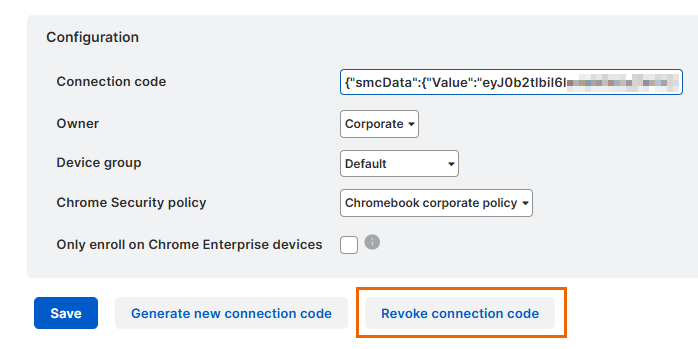
-
Click Yes in the confirmation dialog.
Sophos Chrome Security automatic enrollment is now turned off for your Google Workspace account. To turn it on again, you must generate a new connection code in Sophos Mobile and configure it in the Google Admin console. See Configure Sophos Chrome Security automatic enrollment.