Notifications
Sophos Intercept X for Mobile shows notifications for scan results, blocked web pages, and other events.
Protection status
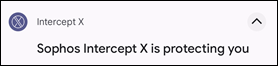
When Sophos Intercept X for Mobile runs, it shows Sophos Intercept X is protecting you in the Android notification area.
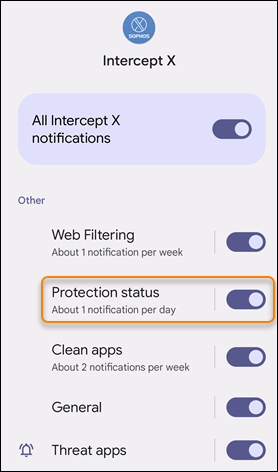
If you don’t want to see this notification, go to the Android notification settings, select Intercept X, and turn off Protection status.
Note
Dismissing or turning off protection status notifications doesn’t affect your protection.