Connectors overview
A connector defines how Sophos XDR communicates with an external IT tool. Playbooks use connectors to interact with vendor APIs.
A connection is a configured instance of a connector. It stores the authentication details and URL required to connect Sophos XDR to a tool in your environment.
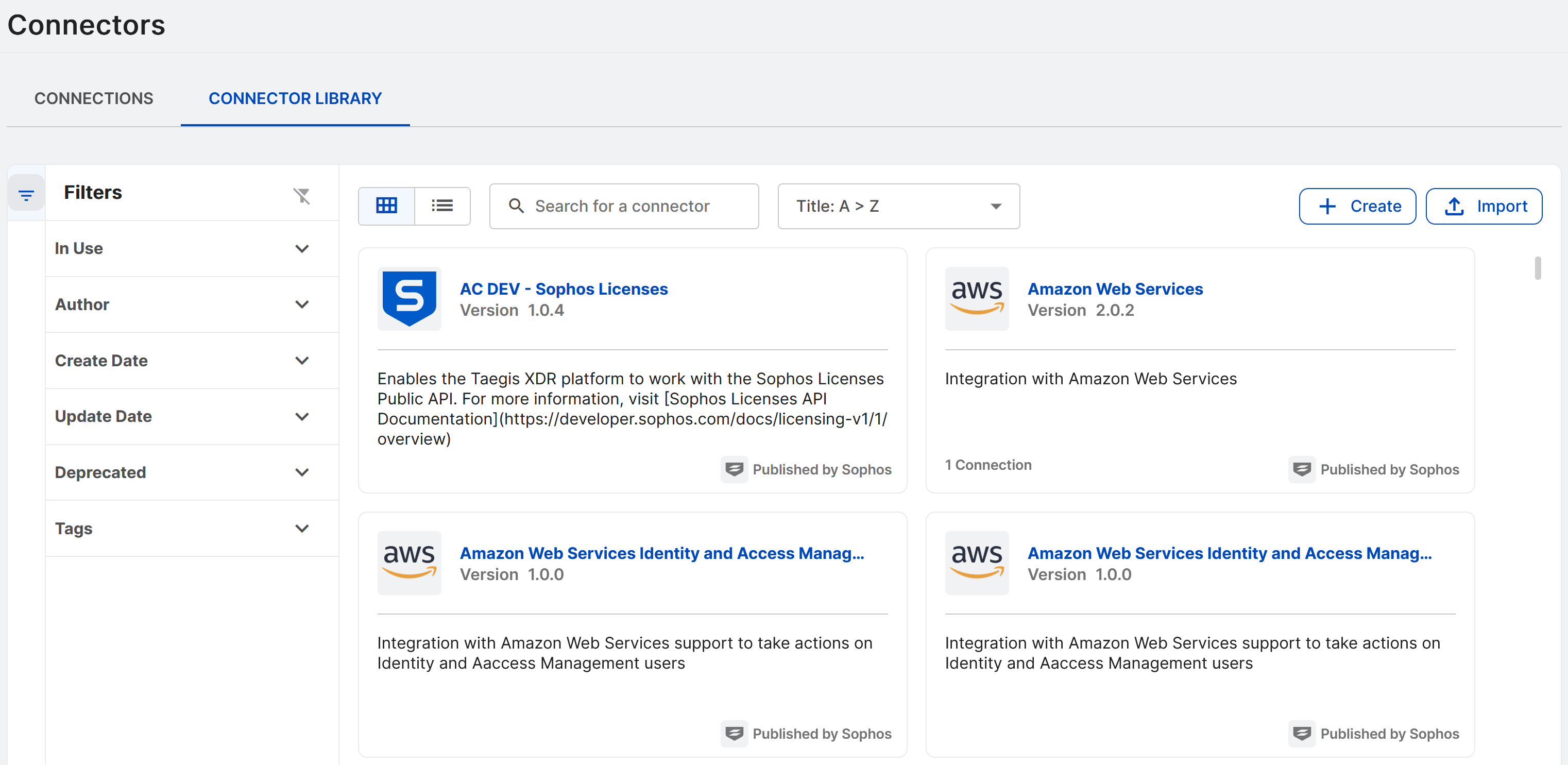
To see your configured connections and connector templates, go to Security Operations > Automations > Connectors. The page includes the following tabs:
- The Connections tab shows a table of all configured connections. For details, see Configured connections.
- The Connector Library tab shows connector templates that you can use to configure connections. For details, see Connector Library.
For a full list of supported connectors, see Supported connectors.
Connector documentation
To view connector setup and configuration guidance, do one of the following:
- When viewing connector template details, click the Documentation tab.
- When viewing configured connection details, click View Documentation.
Configure a connection
You use connector templates to create connections for use by playbooks. For details, see Configure a connection.
Authentication options
Supported authentication options vary by connector. These may include the following:
- API Key
- Basic Authentication
- Platform authentication
- OAuthClientCreds
- LDAP
On-premises systems
To communicate with on-premises systems, supported connectors require the On-Premise Automation Connector.
Add the On-Premise Automation Connector to a data collector to enable automation with on-premises tools such as Atlassian Jira. For more information, see On-Premise Automation Connector.