Sign in to Sophos Fusion with a passkey or authenticator app
You can sign in to Sophos Fusion using the authenticator app or passkey that you created earlier.
- Go to Sophos Fusion.
-
Enter your email address, and click Continue.
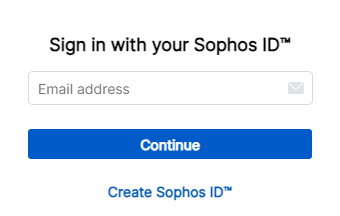
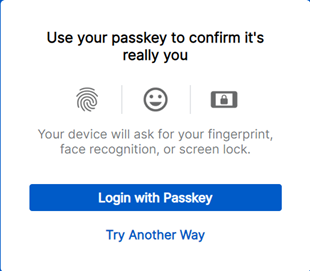
You'll see the passkey sign-in screen.
-
Click Login with passkey.
- Use the passkey method you set up earlier, for example, scan your fingerprint on the fingerprint reader.
- You're signed in to the Sophos Fusion dashboard.
Note
If you have an authentication app and a passkey set up, we'll prompt you for the passkey. If you want to use another authentication method, click Try Another Way, enter your password, then select your authentication method.
- Go to Sophos Fusion.
-
Enter your email address, and click Continue.
-
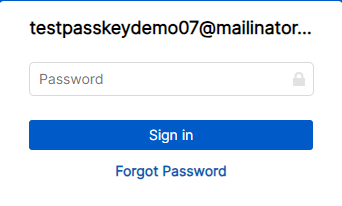
Enter your password, and click Sign in.
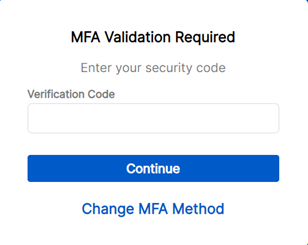
You see the MFA Validation Required screen.
-
Enter the verification code from your authenticator app.
- You're signed in to the Sophos Fusion dashboard.