Automations Overview
The Automations Overview dashboard summarizes automation activity in your tenant, including playbook executions, available upgrades, scheduled runs, legacy resources, and recent template updates.
To see the dashboard, go to Security Operations > Automations.
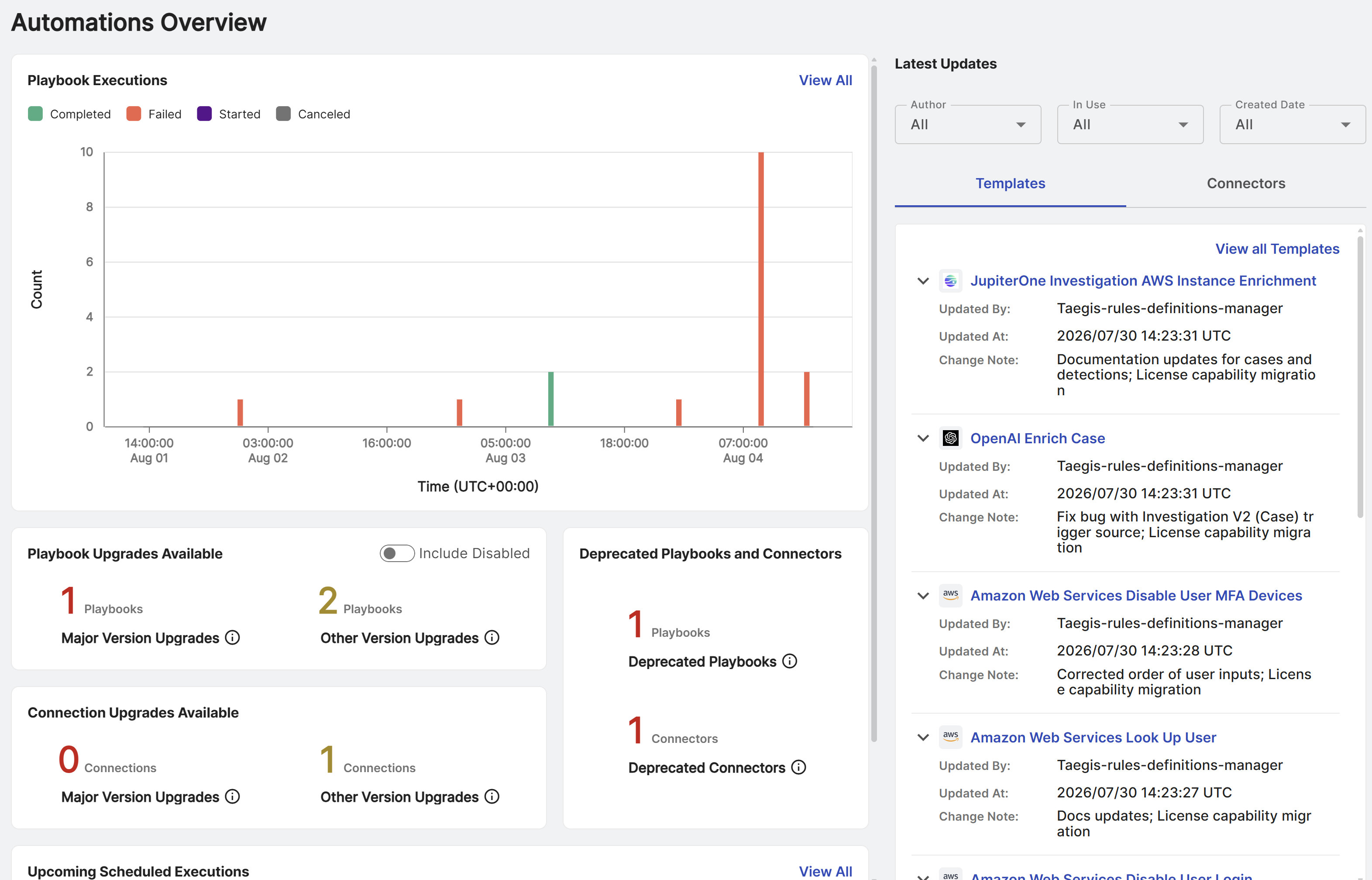
Playbook Executions
The Playbook Executions widget shows a graph of playbook executions from the previous 72 hours.
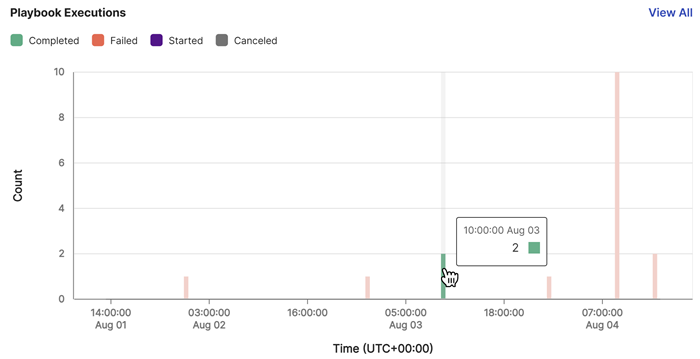
For more information about playbook states, see Playbook states.
Take the following actions from the widget:
- Use the filter chips to adjust the graph to display only the selected playbook states.
- Hover over a segment in the graph to view the execution count.
- Click View All to go to the Executions tab of the Playbooks page. For details, see Playbook executions.
Playbook and Connection Upgrades Available
The Playbook and Connection Upgrades Available widgets show the number of playbooks and connections in use in your tenant that have major, minor, and patch version upgrades available but not yet applied.
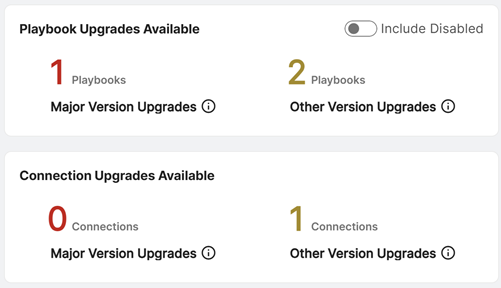
Take the following actions from the widget:
- Turn on Include Disabled to include disabled playbooks in the counts of playbooks that have upgrades available.
- Click a number to open a slide-out. From there, click a playbook or connection name to open its version history, where you can change versions or configure automatic updates.
Deprecated Playbooks and Connectors
The Deprecated Playbooks and Connectors widget shows the number of playbooks and connectors that are no longer recommended but are still in use in your tenant. This helps you identify configured instances and migrate them to the new version.
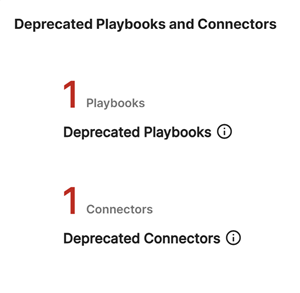
Take the following action from the widget:
- Click a number to open a slide-out that includes a link to the playbook or connector template that's still in use. Go to the template to identify configured instances that need to be migrated to the new version.
Upcoming Scheduled Executions
The Upcoming Scheduled Executions widget lists upcoming scheduled playbook executions, the next run time, and links to playbook details.
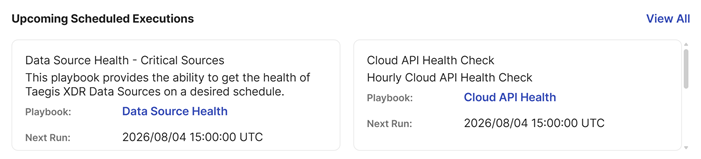
Take the following actions from the widget:
- Click the playbook title to open its details. See Configured playbooks.
- Click View All to go to the Schedules tab. See Playbook schedules.
Latest Updates
The Latest Updates widget lists the most recently published playbook templates and connectors, as well as updates to existing templates and connectors. Each entry includes a change note that describes the updates.
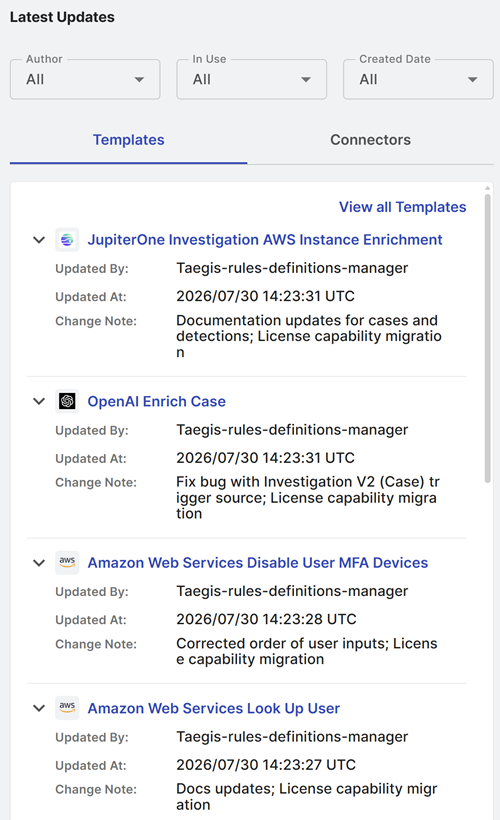
Take the following actions from the widget:
- Click View all Templates to go to the Templates tab, or View all Connectors to go to the Connector Library.
- Click a playbook or connector name to go to the template details.
- Click the arrow on the left of an entry to see or hide more details.
-
Use the filters at the top of the widget to customize your view:
- Author: Show Sophos-authored or custom playbooks and connectors.
- In Use: Show playbooks and connectors currently in use.
- Created Date: Show playbooks and connectors created within the last 30 days or earlier.