Automations
Sophos XDR automations let you automate actions and workflows across Sophos and third-party products, freeing up time for incident investigation and response.
How does automation work?
Sophos XDR uses connectors to integrate with supported products in your environment. After you configure a connection, you can create playbooks that combine actions and decision logic. Playbooks can run actions automatically and reduce repetitive manual work.
What types of tasks can I automate?
You can automate tasks such as:
- Create and query tickets in third-party systems
- Send email and instant messaging notifications
- Manage detections
- Perform response actions
- Automate repetitive workflows such as case creation and endpoint tagging
What role is required for automations?
The automations you can configure and run depend on your Sophos Fusion role. Some actions and screens might not be available to you.
Help resources
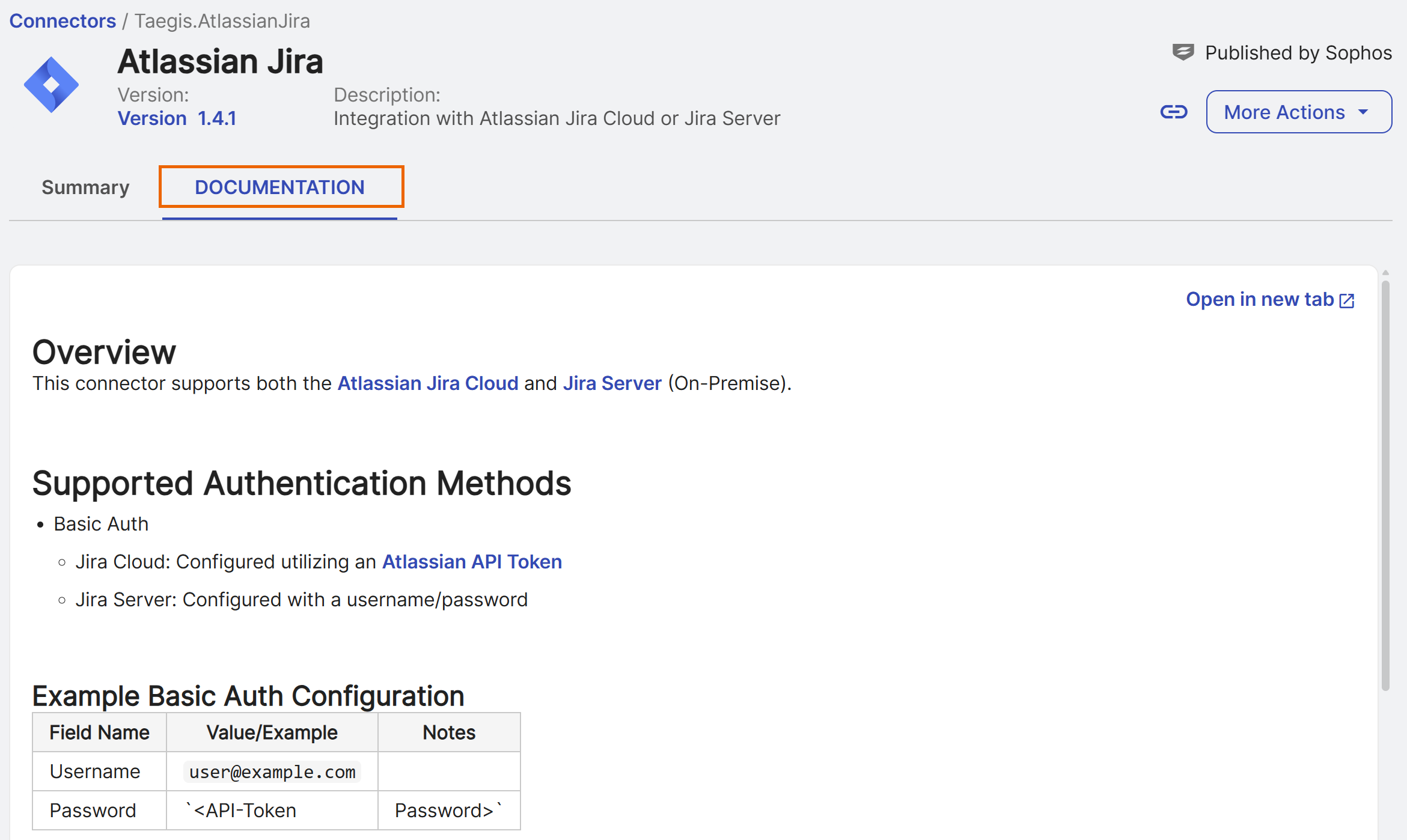
Each connector and playbook template in Sophos XDR includes documentation. To view setup and configuration guidance, open the Documentation tab in a connector or playbook template.
For details, see Playbook templates and Connector Library.