Using actions
You run actions on entities in Sophos XDR. When you triage detections or cases in your tenant, select an entity to perform a configured action on it. For more information about entities, see Entities.
You can perform actions from an individual entity details page, from a table of entities, or from a case.
Tip
You can perform an action on multiple entities at once in the Response tab in cases.
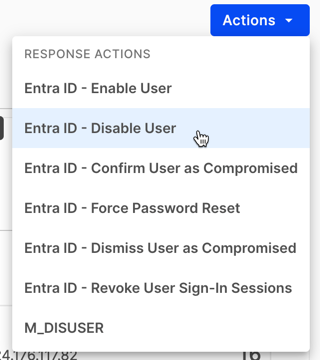
On an entity details page, click Actions to see the actions available for that entity. Click an action to run it.
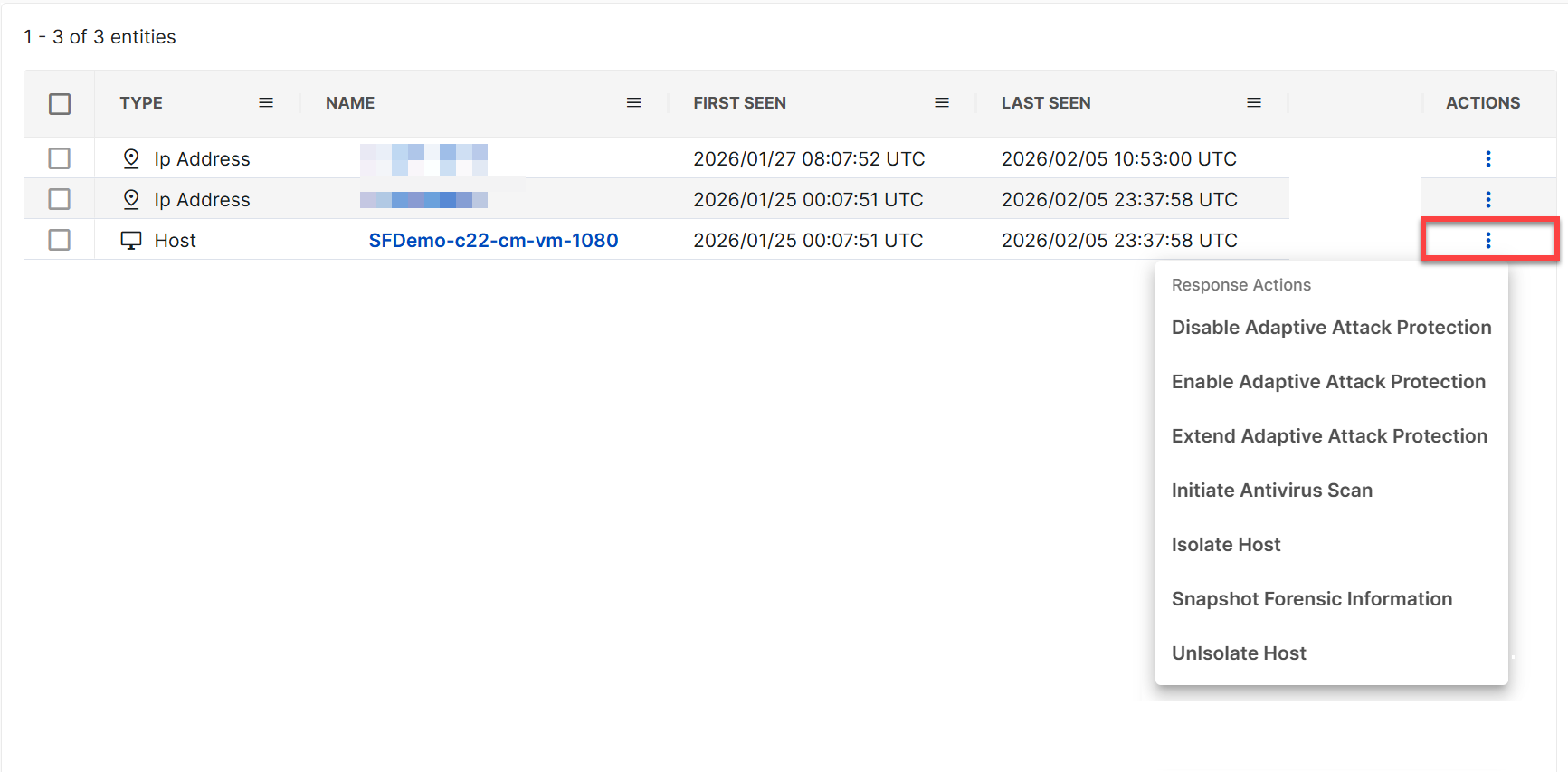
In a table of entities—as in the Entities tab of detection details or the Entities sub-tab of a case's Evidence tab—click the three dots in the Actions column to see the actions available for that entity. Click an action to run it.
In cases, you can run actions either on entities associated with the case or on the case itself.
-
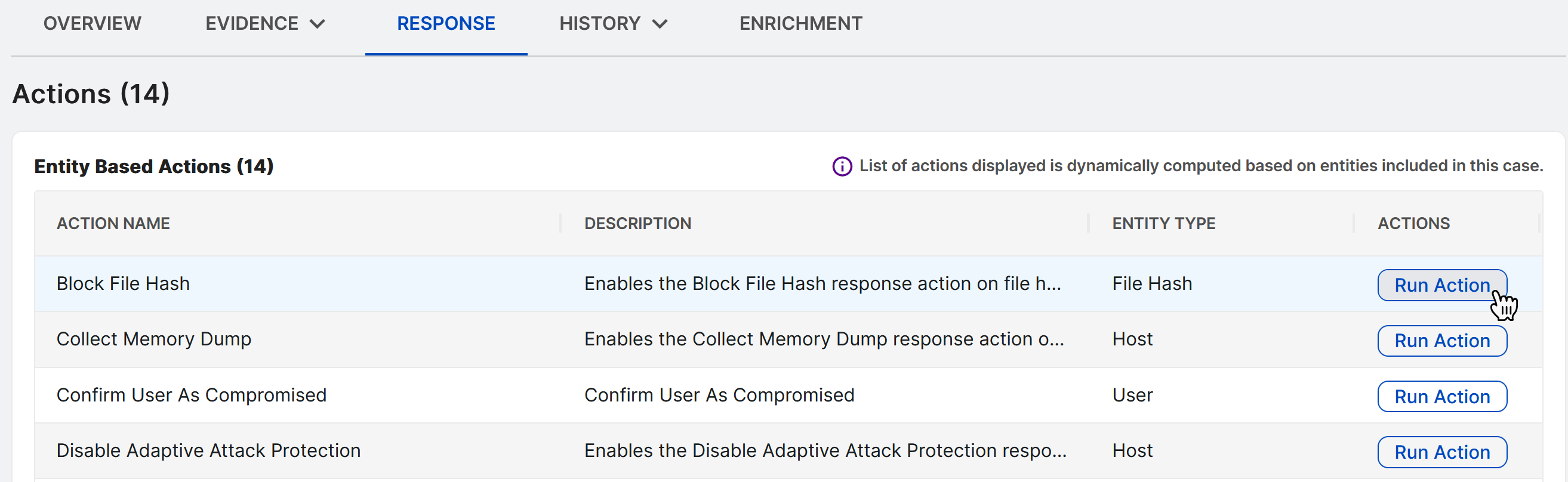
In the Response tab of a case, click Run Action in the Actions column and then choose one or more entities to run the action on. For more details, see Response tab.
-
You can find actions that run on the case itself by clicking the three dots in a case's summary view or the Actions menu on the full case details page.
To check an action’s status after you run it, open the action details page and click View Executions. For more information, see View executions.