Actions
Actions are predefined response and enrichment operations that you can run from supported areas of Sophos XDR. They help you streamline security operations by providing simplified configurations and integrate with triage and case workflows to support incident response activities.
To see available actions in the Marketplace, go to Security Operations > Integrations > Marketplace. Click the View menu and select By action.
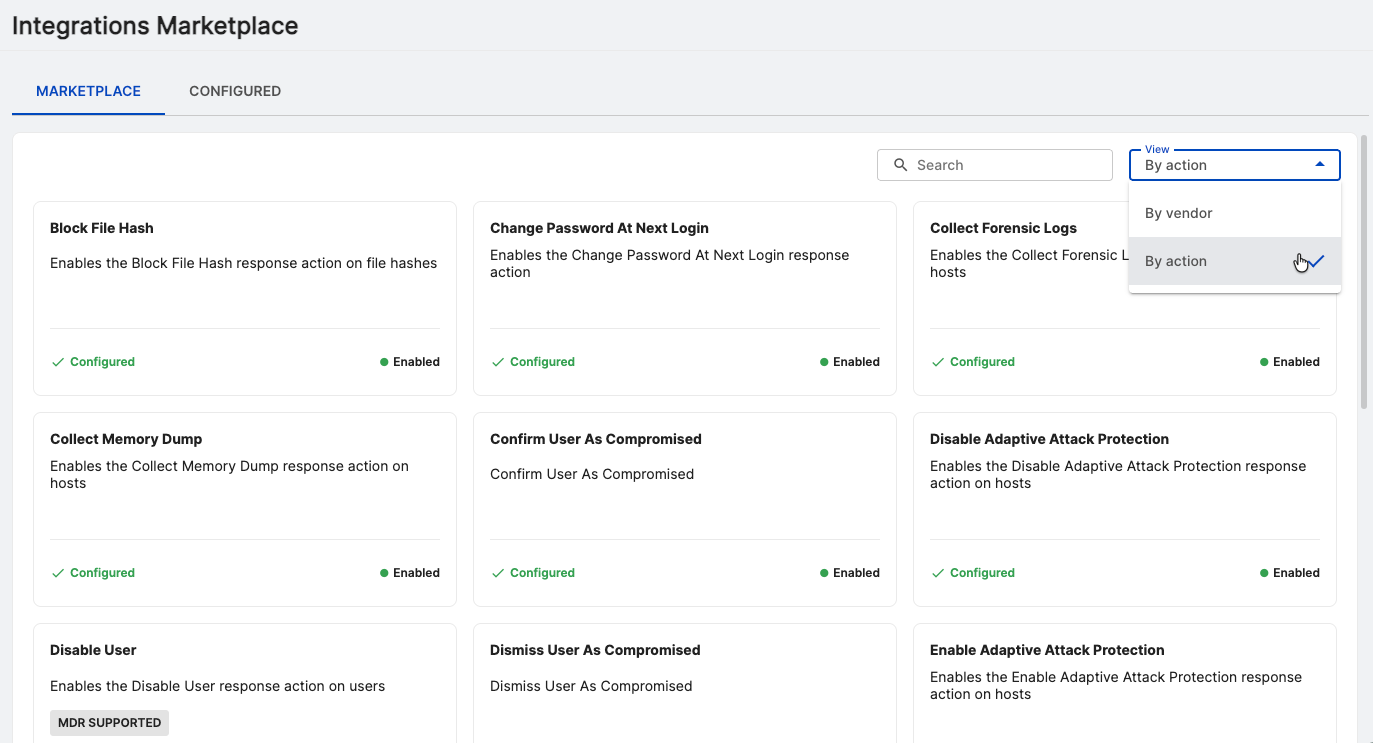
Available actions
Sophos XDR includes built-in response and enrichment actions, such as the following:
- Isolate a host or restore its network access.
- Enable or disable user access.
- Require users to change their passwords.
- Block or unblock executions by file hash.
- Capture a forensic snapshot for triage.
- Start antivirus scans on specified hosts.
For more information, see Configuring actions.
Using actions
You can perform actions from:
- An individual entity details page
- A table of entities
- The Response tab of a case
For more information, see Using actions.