Marketplace quick start
Integrations Marketplace is where you configure both data ingest and response action integrations with Sophos XDR.
To see the Marketplace page, go to Security Operations > Integrations > Marketplace.
You can view the Marketplace in two ways: by vendor or by action. Click a tab below for information on each view.
The Marketplace defaults to showing integrations by vendor with two types of cards, one for data ingest integrations and one for response actions. Depending on the product, you may see only an ingest card, only an actions card, or both.
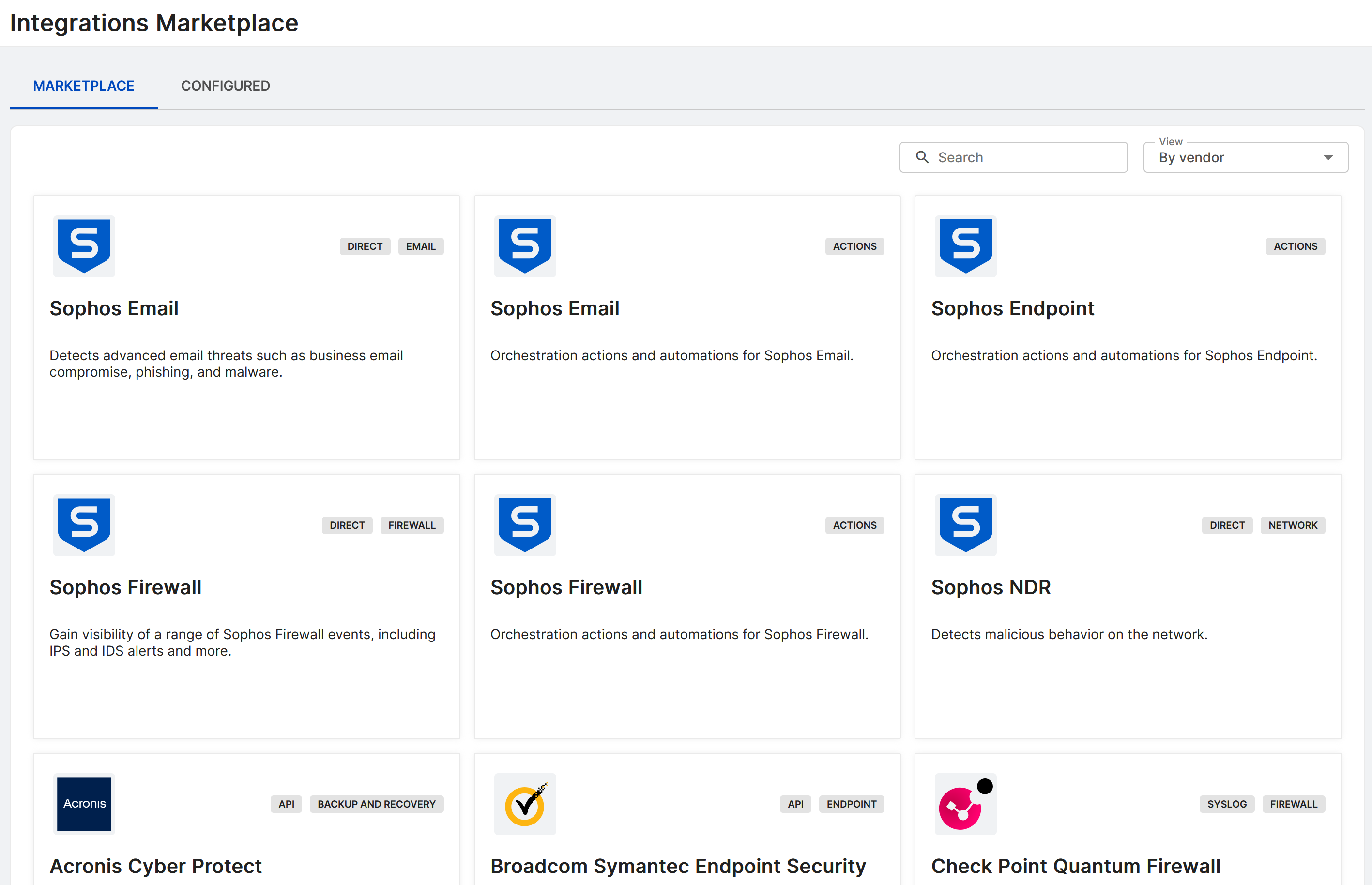
Ingest cards show a category label, such as firewall or productivity, and one of the following integration method labels:
- API: Third-party security products integrated by API.
- Syslog: Third-party security products integrated by syslog with a data collector.
- Direct: Sophos products, such as Sophos NDR or Sophos Firewall.
Action cards for a product may contain multiple supported actions.
Click a card to open the configuration page for the product or its actions.
To view the Marketplace by action, click the View menu and select By action. Each card represents an action that can be configured for one or more products.
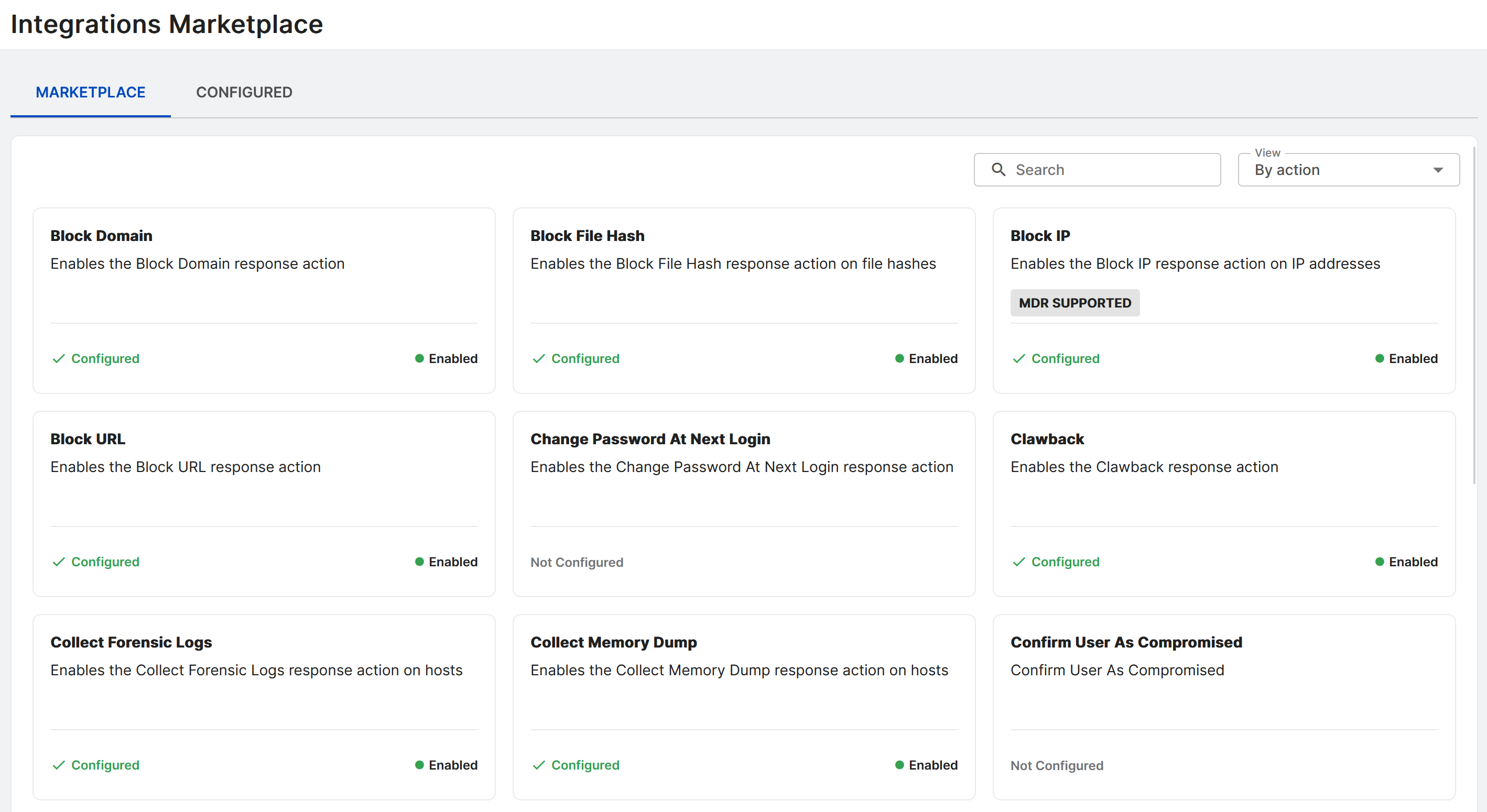
Click a card to open the action's configuration page.
Marketplace availability and permissions
What you see in the Marketplace depends on your license. What you can do depends on your Sophos Fusion administration role.
License
If your tenant has Sophos EDR but not Sophos XDR, non-endpoint data ingest integration cards aren't shown. Response action cards are still shown.
For details on differences between EDR and XDR, see EDR and XDR.
Roles and permissions
Your role determines whether you can only view integrations, or also add, edit, and delete them. For more information, see Administration roles.
| Administration role | What you can do in the Marketplace |
|---|---|
| Super Admin | View, add, edit, delete, and download integrations. |
| Admin | View, add, edit, delete, and download integrations. |
| Help Desk | View integrations and their status only. The add, edit, and delete controls aren't shown. |
| Read-only | View integrations and their status only. The add, edit, and delete controls aren't shown. |
Note
Some integrations are managed by Sophos and can't be edited or deleted, even if your role can manage integrations.
How this appears in the Marketplace:
- If your role can manage integrations (Super Admin, Admin, and properly permitted custom roles), you see the controls to add a new integration and to edit, delete, or download existing ones.
- If your role is view-only (Help Desk, Read-only, and properly permitted custom roles), you can open the Marketplace and see each integration's properties and status, but the add, edit, and delete controls aren't shown.
- If your role doesn't include permission to view integrations, you can't open the Marketplace.
Custom roles
If you create a custom role, you can grant integration access with these permissions:
- View integrations:
Integration: readlets the role open the Marketplace and see integration properties and status. - Manage integrations:
Integration: create,Integration: update,Integration: delete, andIntegration: downloadlet the role add, edit, remove, and download integrations.
For more information, see Add a custom role.
Add a data ingest integration
To integrate other products with Sophos XDR, do as follows:
- Check whether you need to add Sophos IP addresses to your allow lists. Some third-party products only give administrative actions access to specified IP addresses. See Allow Sophos IPs.
- Sign in to Sophos Fusion as an Admin or Super Admin.
-
Go to Security Operations > Integrations > Marketplace.
This shows all the product integrations available to you.
-
Find the integration you want and click it to open the configuration page.
-
If you do an API-based integration, you need to enter API details from the product you're integrating. The Integration setup steps guide you through configuration.
If you do a syslog integration, you need to configure the integrated product to send data to a data collector.
We recommend that you read the full instructions for the product integration you want to use. Look for the product or vendor name in Products.
To monitor or edit your integration later, go to Integrations > Configured Integrations.
Add a response action integration
To integrate actions with Sophos XDR, do as follows:
- Sign in to Sophos Fusion as an Admin or Super Admin.
-
Go to Security Operations > Integrations > Marketplace.
This shows all the product integrations and actions available to you.
-
You can see available actions by vendor or by individual action. See the tabs above for information on each view.
- Click a card to open the configuration page.
For full instructions, see Configuring actions.
To monitor or edit your actions later, go to Integrations > Configured Integrations and click the Actions sub-tab.