Pivot search
A pivot search allows you to quickly search across detections and events in Sophos XDR for particular search terms. It then returns results for detections and multiple types of events.
Note
Detections may be searched for any time period.
However, event data is treated differently and can be searched for any period of up to 31 days. Event data can be queried from Data Lake Search by choosing any non-detection type. When querying event data in Data Lake Search, a custom date picker allows you to specify the search time range. You can select any start date for which the account has retained data, but the end date must result in a range that is less than or equal to 31 days.
Pivot searches are designed to query data before and after the timestamp of an event or detection. By default, a pivot search looks for results within 24 hours from the original timestamp — that is, it looks 24 hours before and 24 hours after the timestamp of the event or detection, or a 48 hour search window in total.
Run a pivot search
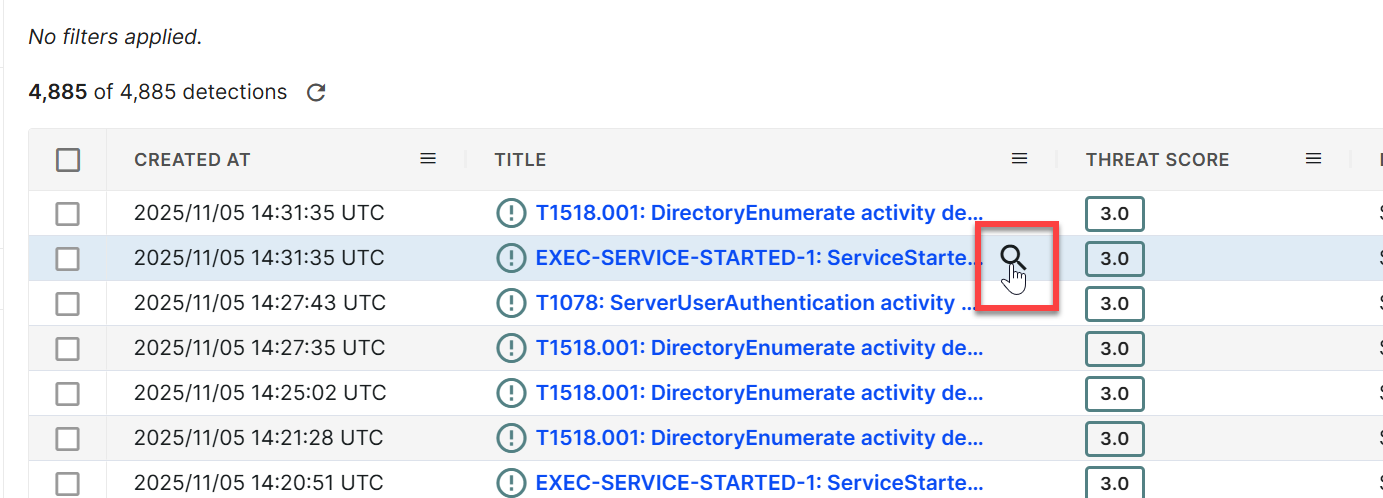
To run a pivot search, hover over various detection and event details throughout Sophos XDR, such as source IPs and usernames, and click the Magnifying Glass icon ().
This pulls up a pivot search form with the results in a table. Click through the search result tabs, such as Detections and Events, to view results for each initiated search.
Once on a pivot search page, you can filter results by adjusting time frames and filtering by schema in the case of events.
Tip
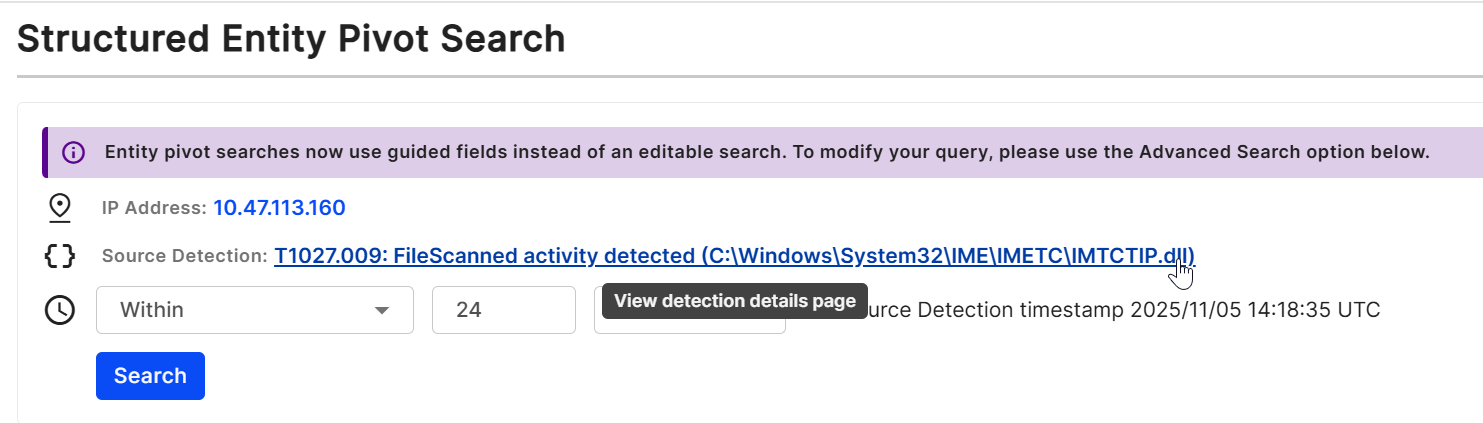
To view the source detection that spawned the pivot search, click the source detection title.
Run a Data Lake Search from a pivot search
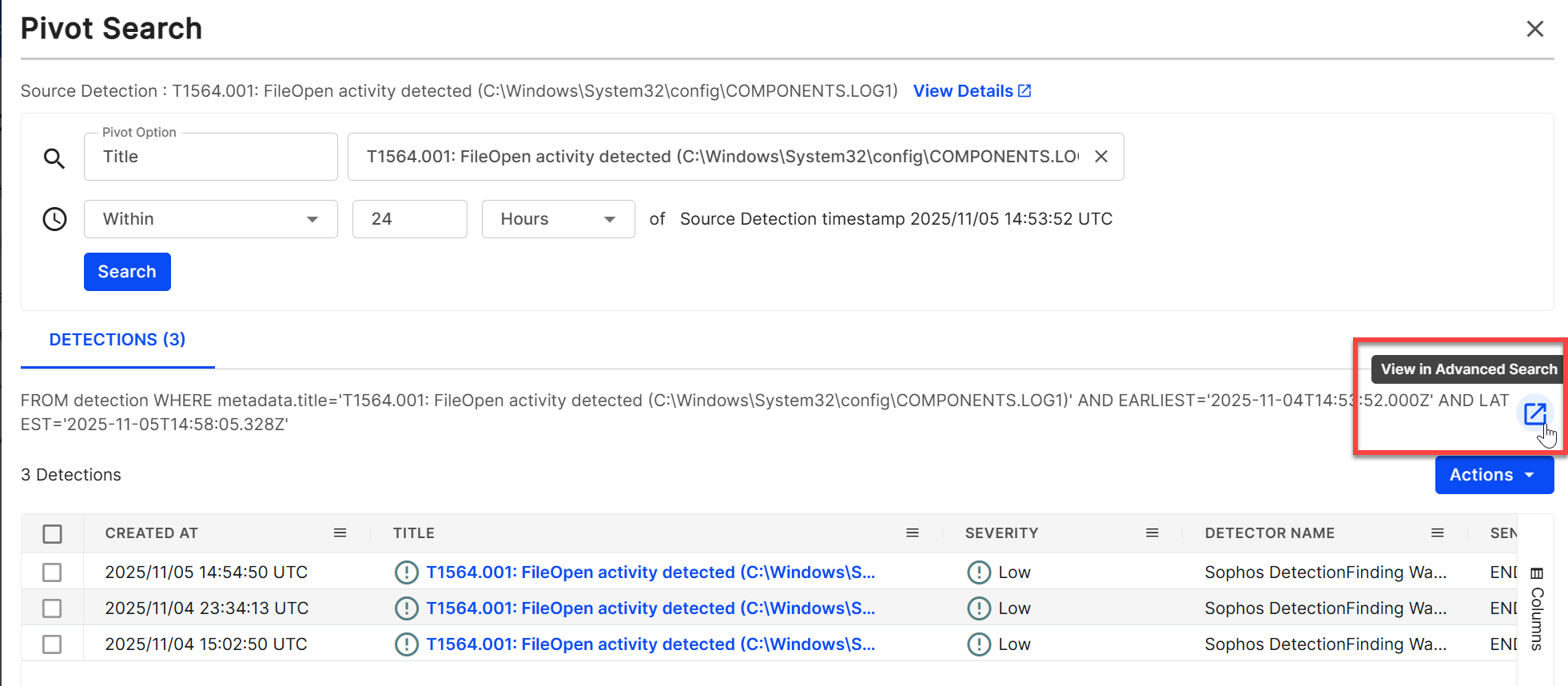
In each tab, you can open and edit the same underlying query in Data Lake Search, where you have more options to customize your query.
To do so, click the New Tab icon above the search results table. A pre-populated Data Lake Search query opens in a new tab, where you can further tweak the parameters and save the search if desired.