How to download reports
You can download reports in different formats from the web admin console.
Note
You can only download reports from the web admin console. You can't download reports from the CLI.
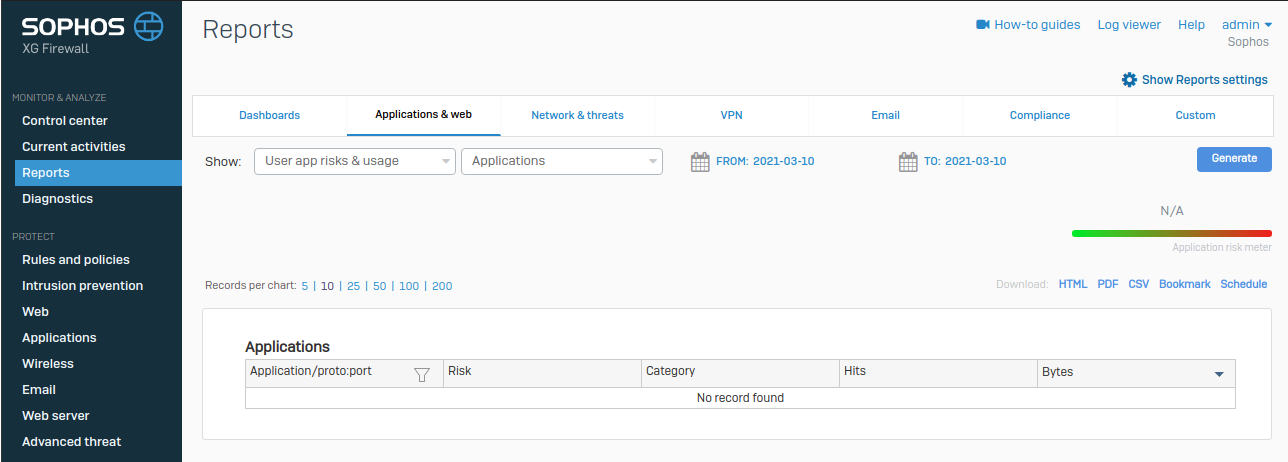
To download reports, do as follows:
- Go to Reports.
- Click Applications & web.
- Select the report criteria from the Show list.
- Select the date range.
- Click Generate.
-
Click a file format to download the report data.