License synchronization
If license synchronization doesn't take place for 90 consecutive days, or 180 consecutive days for airgap licenses, the security subscriptions are deactivated. Only the Base Firewall license and Enhanced Support subscription remain active.
After 70 days, you'll get an alert showing that the firewall will be deactivated in 20 days if you don't synchronize your licenses. Go to Administration > Licensing and click Synchronize.

For airgap licenses, after 160 days, you'll get an alert showing that the firewall will be deactivated in 20 days if you don't upload a new airgap license. Download it from Sophos Fusion (previously Sophos Central) and upload it to the firewall. See Air gap licensing info.
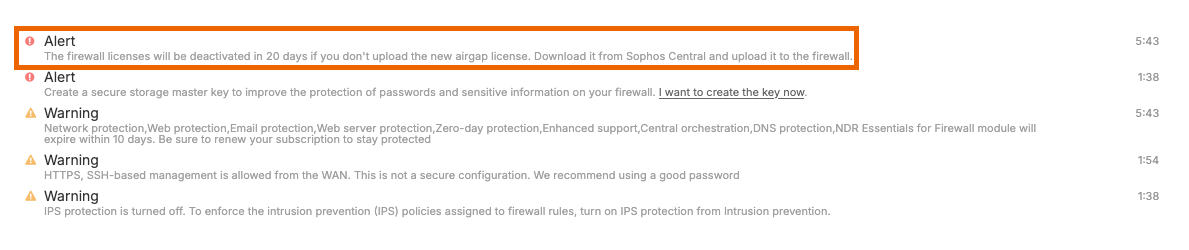
After 90 days, or 180 days for airgap licenses, you'll get an alert showing that your licenses have expired.

The incommunicado period (no license synchronization period) resets if license synchronization succeeds.
During the incommunicado period, users can sign in, and traffic continues to flow, but without the firewall's protection.
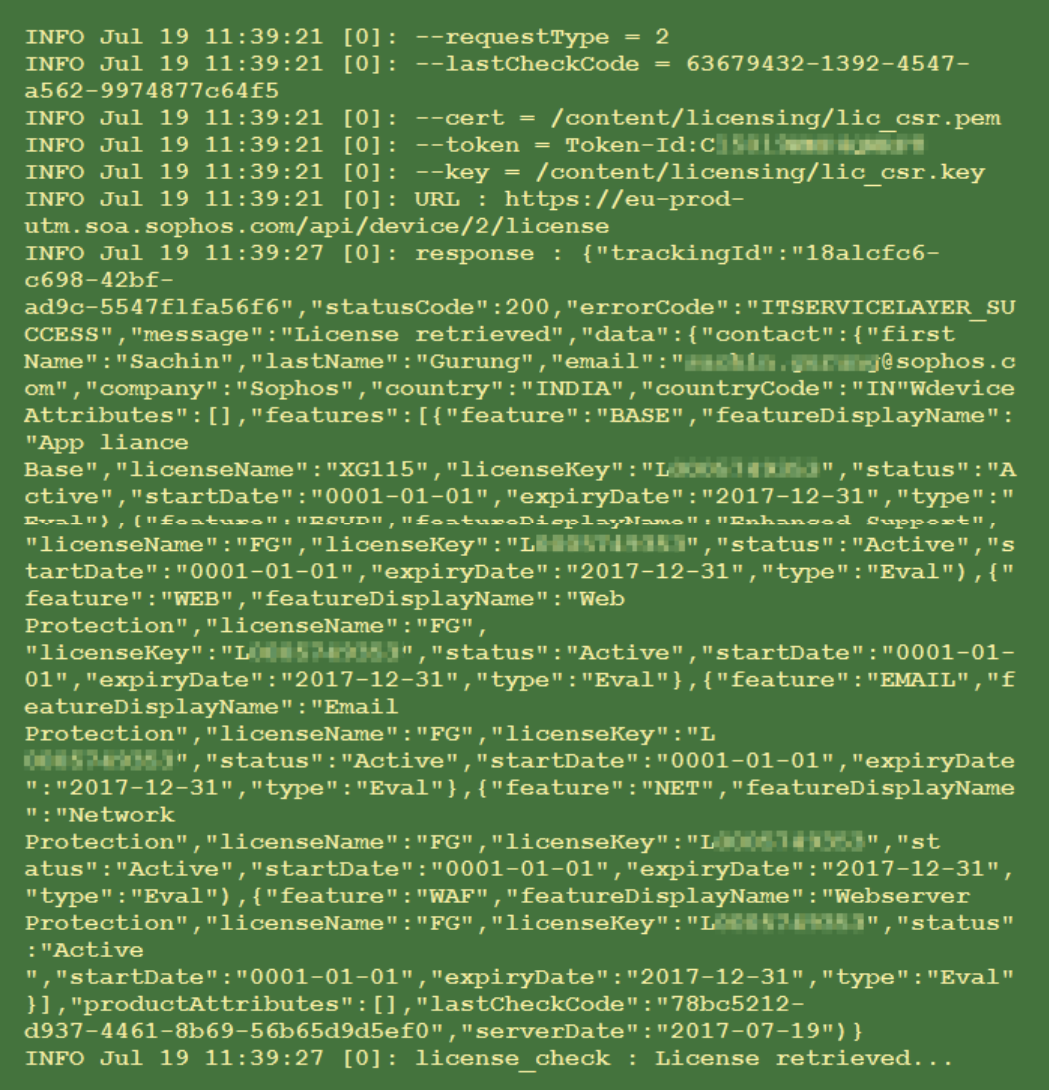
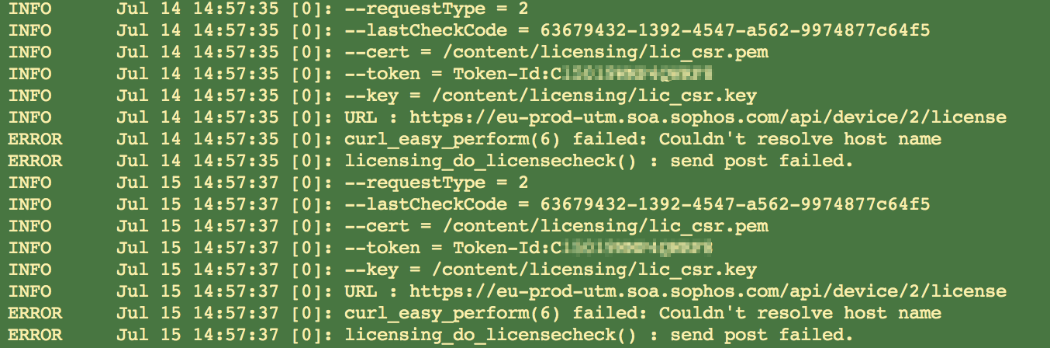
The licensing.log file shows the following information:
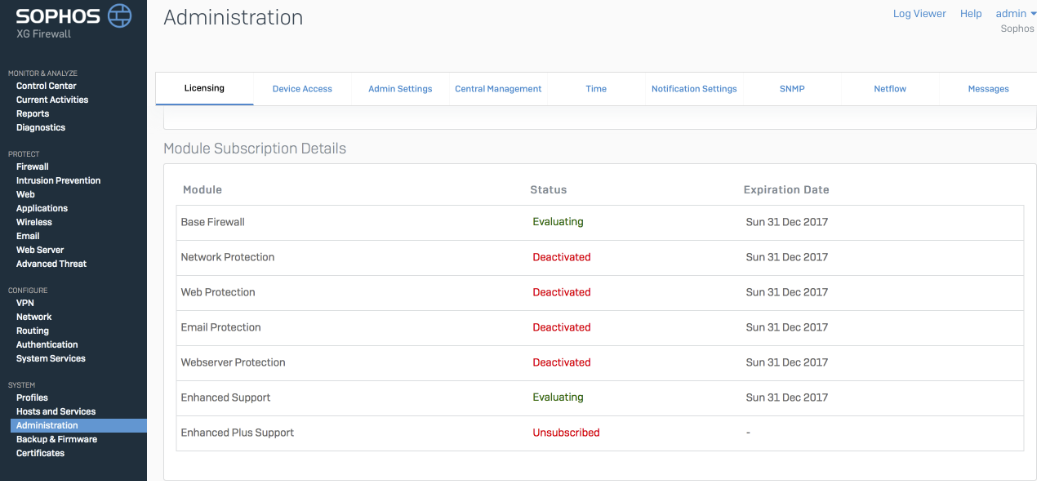
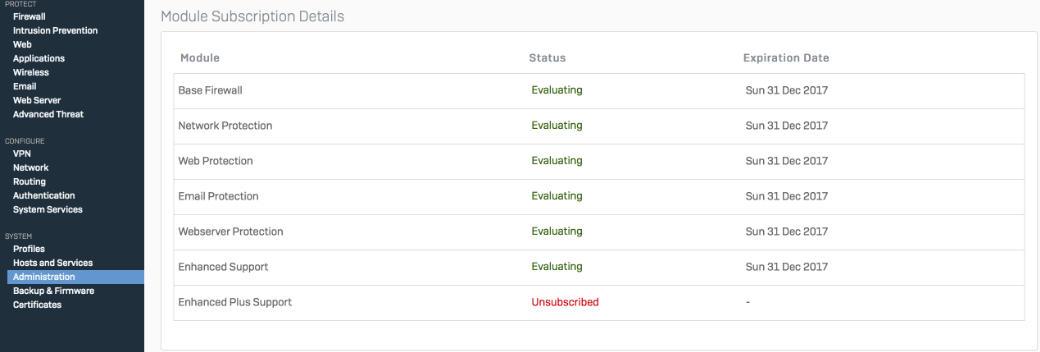
If license synchronization succeeds after 90 days, or 180 days for airgap licenses, the remaining license subscriptions appear as follows:
After synchronization, the licensing.log file shows the following information: