Microsoft Entra ID Single Sign-On
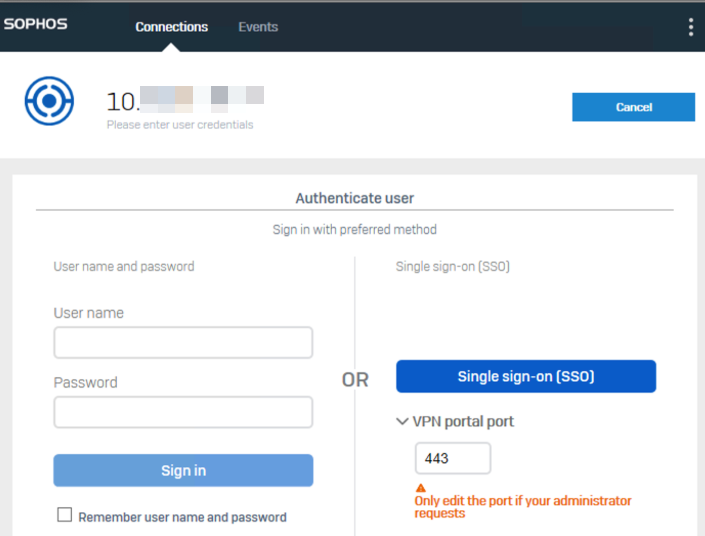
You can use Microsoft Entra ID Single Sign-On (SSO) to securely sign in to remote access IPsec and SSL VPN tunnels through the Sophos Connect client.
VPN portal port
The VPN portal port is used both to access the VPN portal and to establish SSO.
Note
Don't change this setting unless your administrator asks you to change it.
Force SSO re-login
If you signed in using SSO and connected to the network using a shared endpoint, we recommend that you force an SSO re-login. The next user must then sign in to the client using their Microsoft Entra ID credentials and can't use your VPN session.
To force an SSO re-login, do as follows:
- In the Sophos Connect client, click menu
 in the upper-right corner.
 - Click Force SSO re-login.
- Click OK.