Add an FQDN host
You can create, edit, and delete FQDN hosts.
To add an FQDN host, do as follows:
- Go to Hosts and services > FQDN host and click Add.
-
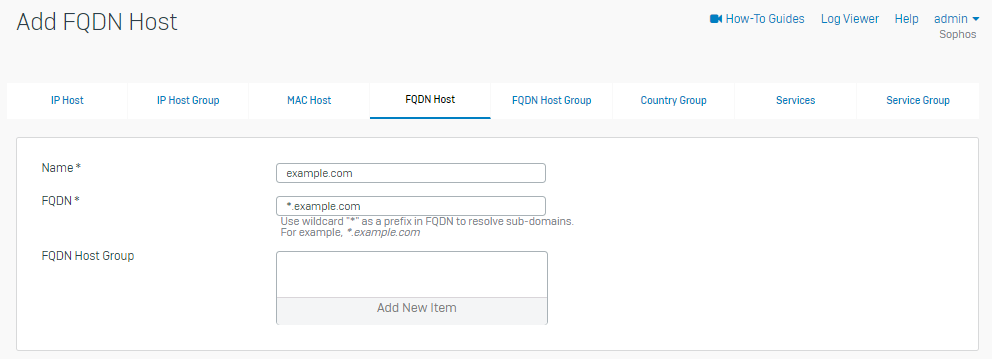
Enter your FQDN host settings.
Setting Description Name The name you give to the FQDN host. example.comFQDN The host's fully qualified domain name. *.example.comFQDN host group Select a host group from the list, or create a new group. Note
An FQDN host can belong to more than one FQDN host group.
The following image shows example settings.
-
Click Save.