Sophos Support portal registration
To use the Sophos Support Portal, you need to register first. Registration links a Sophos ID to your Support Contact record.
To register, do as follows:
- Go to Sophos Support.
-
Click Register and create a Sophos account.
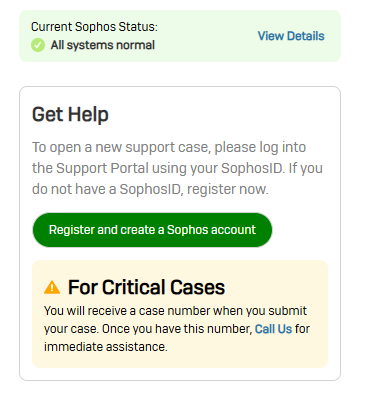
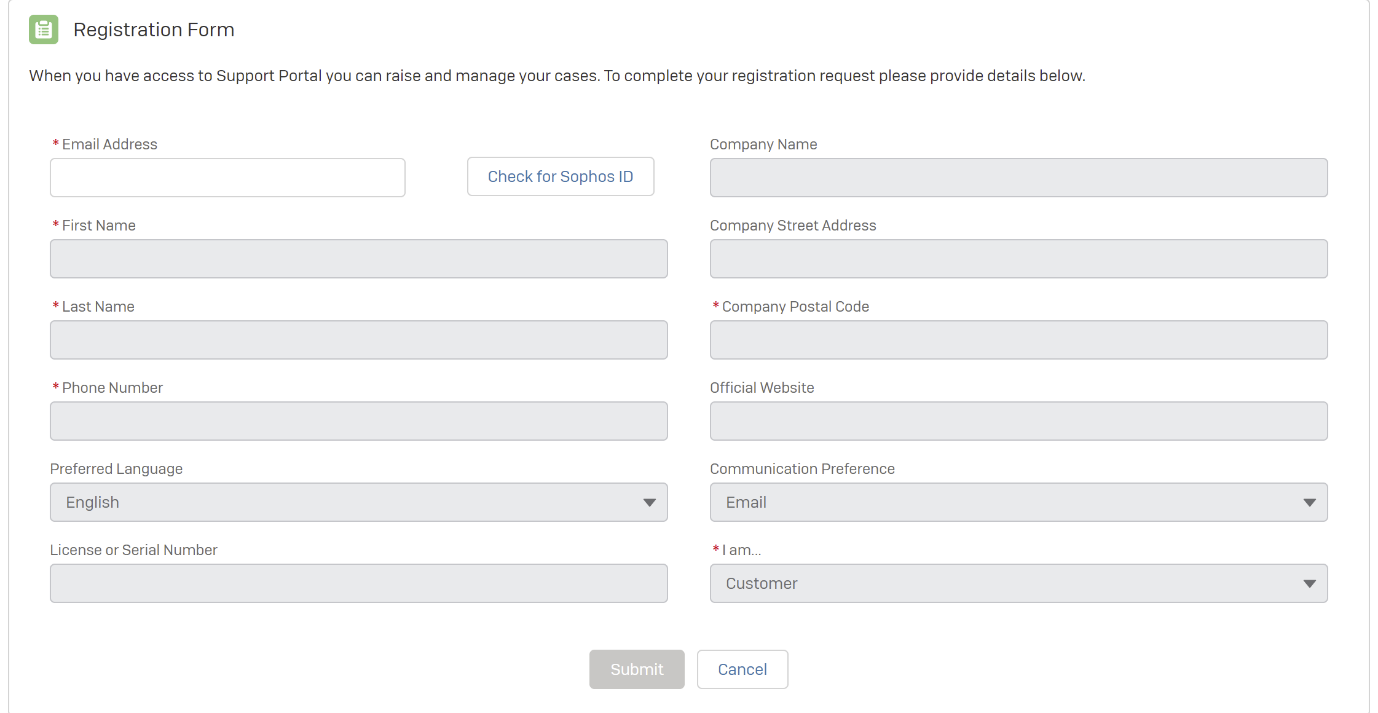
This opens a registration form.
-
You may already have a Sophos ID. Check if this is the case. To do this, do as follows:
- Enter your email address and click Check for Sophos ID.
- If there’s a valid Sophos ID associated with your email address, the rest of the registration form unlocks. You can complete the registration process. Follow the rest of the instructions in this section.
-
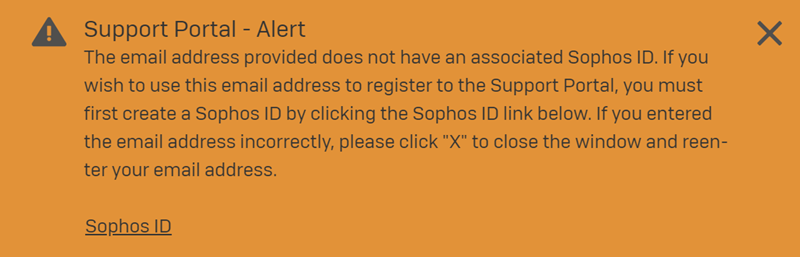
If there isn’t a valid Sophos ID associated with your email address, you’ll see a message to tell you this. Click the link in the message to create a Sophos ID and then come back to start the registration process.
-
Complete the registration form. Give us as much detail as possible
The more information you give us, the easier it is for us the validate the request.
-
Click Submit.
You’ll see a pop-up message and receive an email confirming that we’re working on the request.

-
When the team has processed the request, you’ll receive an email confirming access. Follow the instructions in the email.
Note
Support Portal access is associated with a specific Sophos ID and can't be transferred to another email address. You can't change the email address associated with your existing profile. If you need to use a different email address, create a new Sophos ID with that address and submit a new registration request.
You can now sign in to the Sophos Support Portal. See Sign in to Sophos Support Portal.